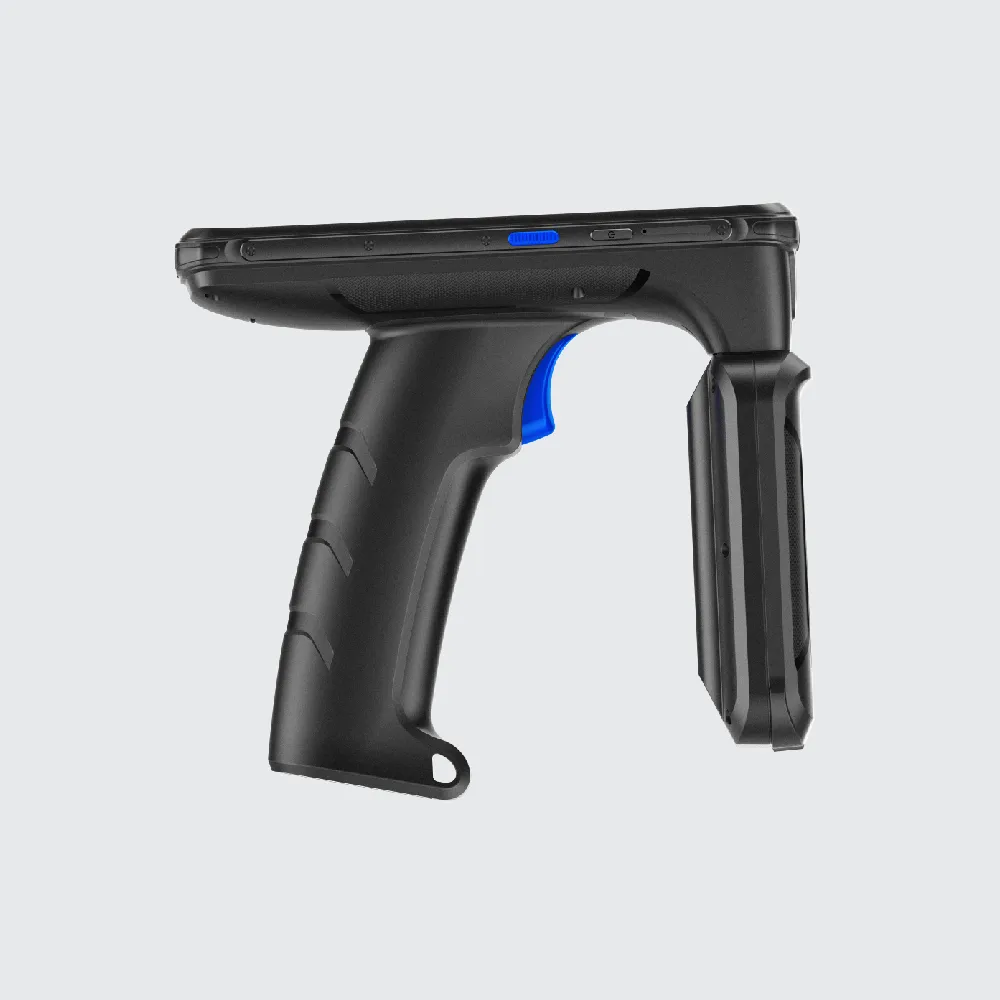
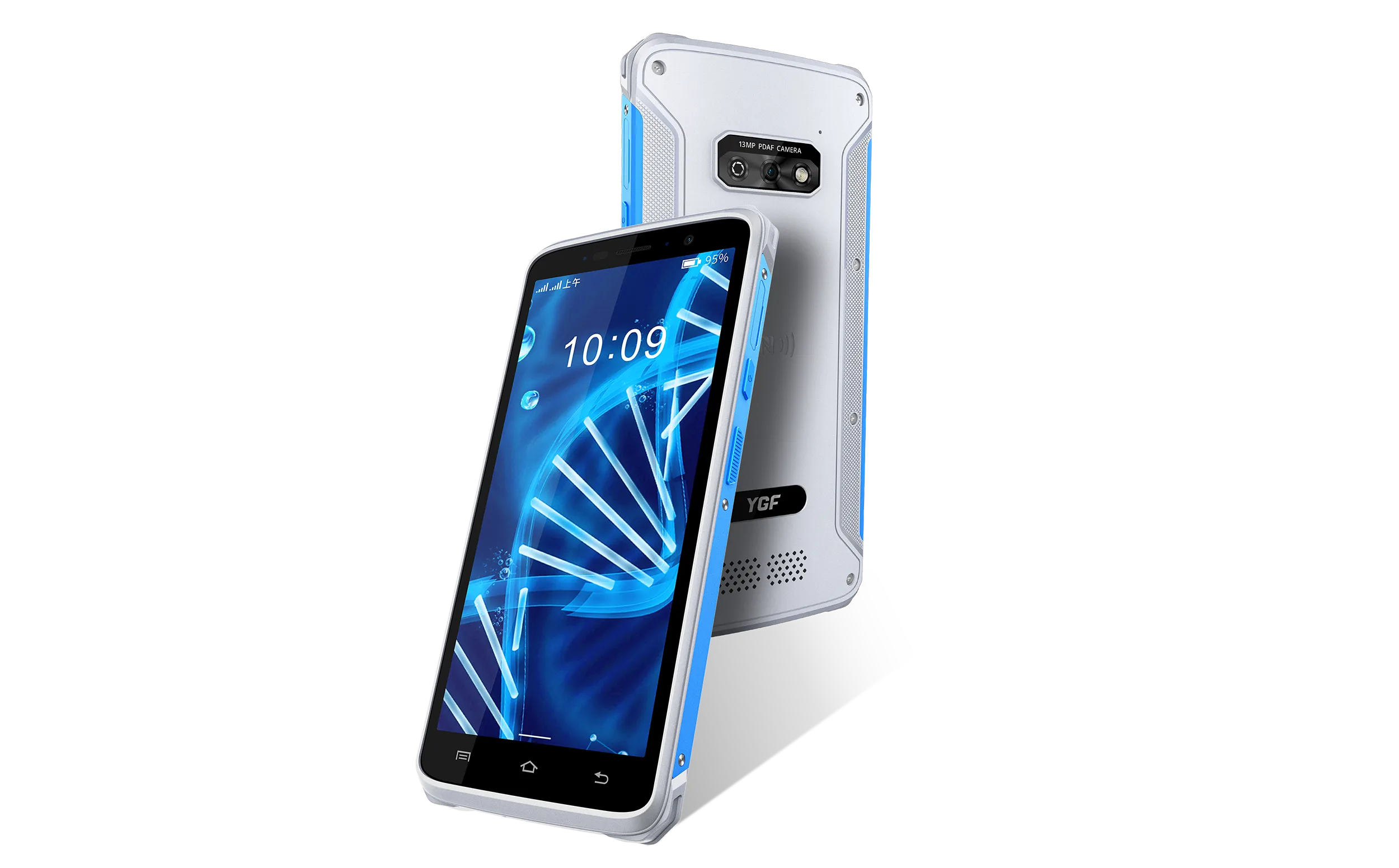
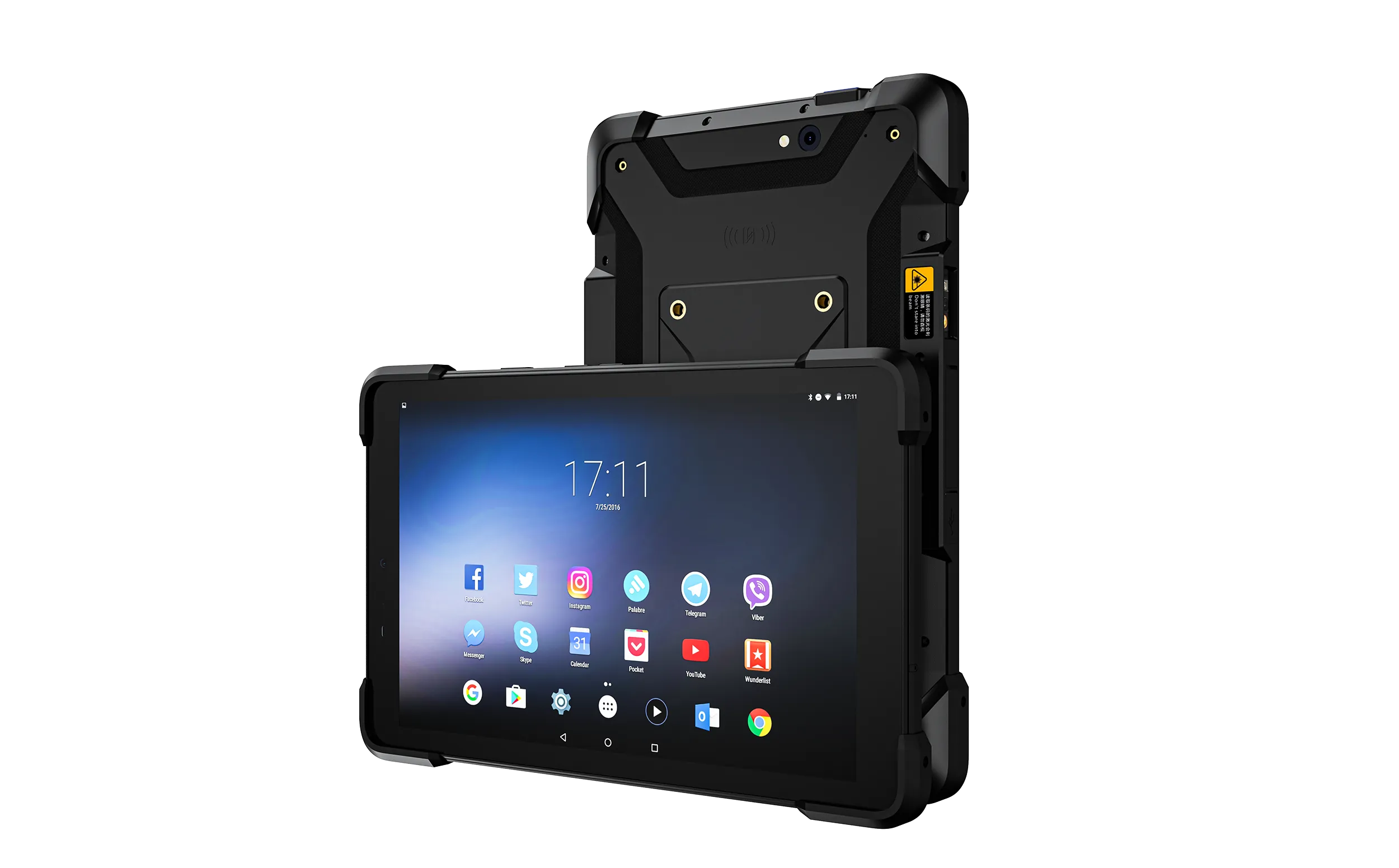
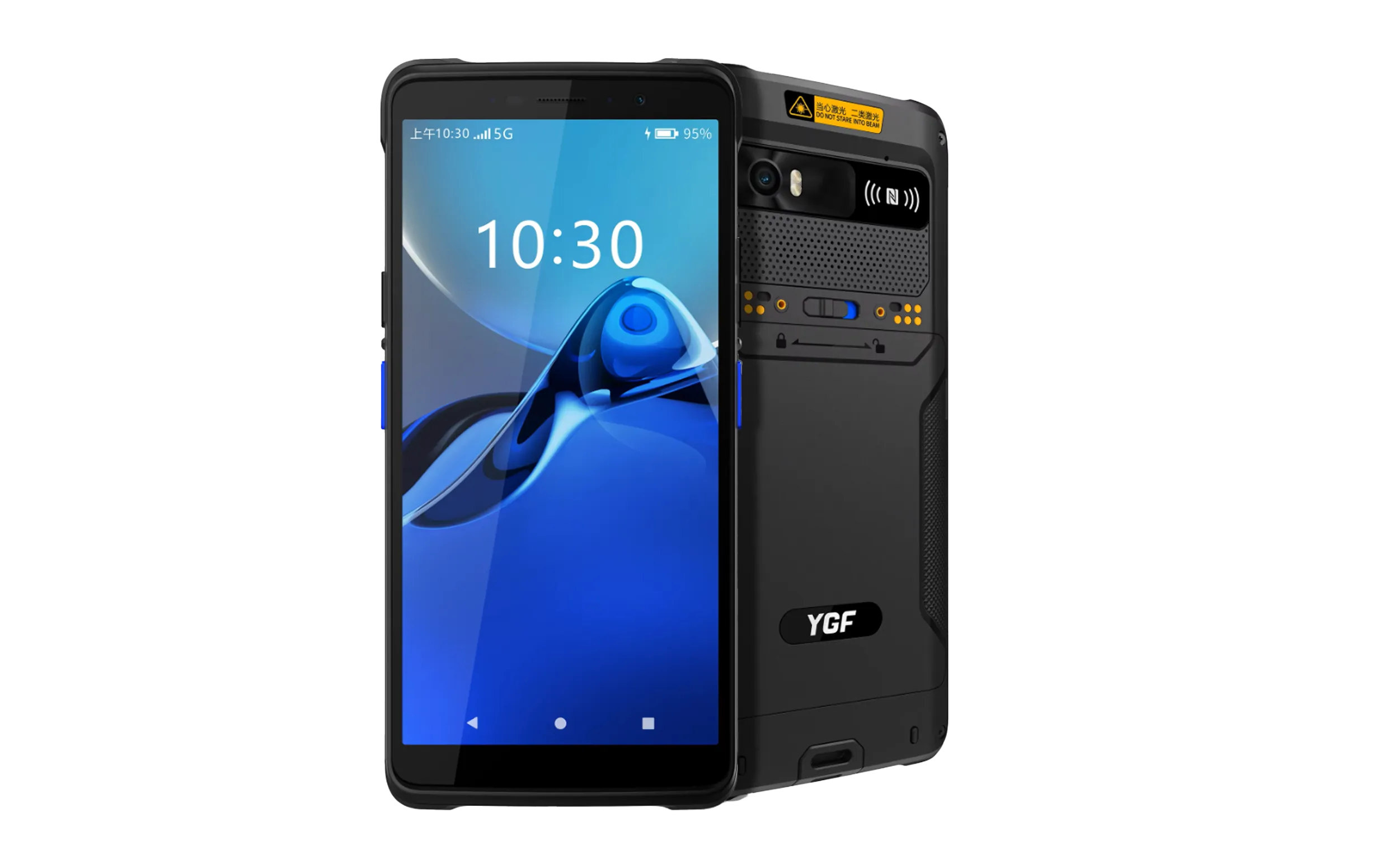
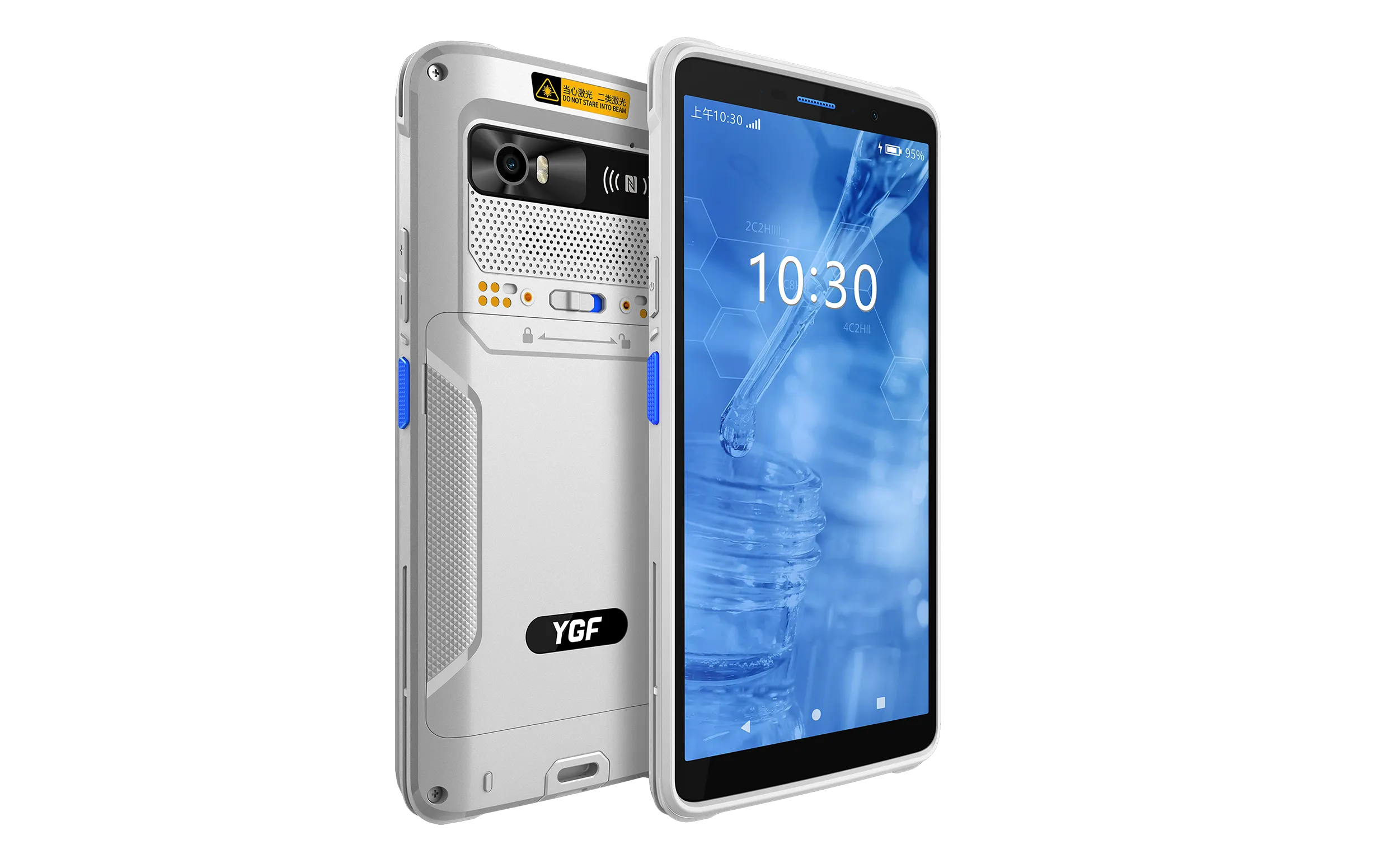
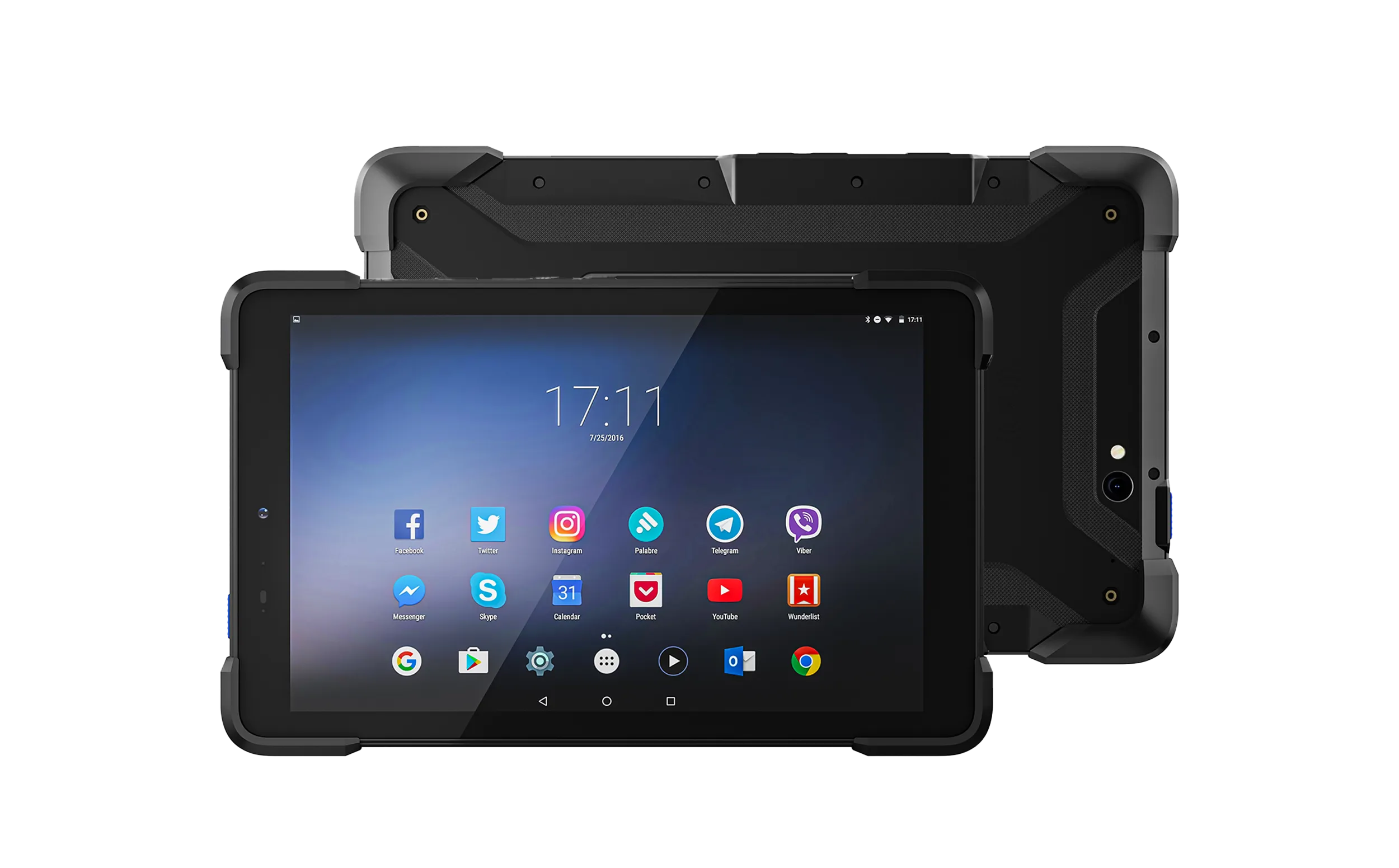
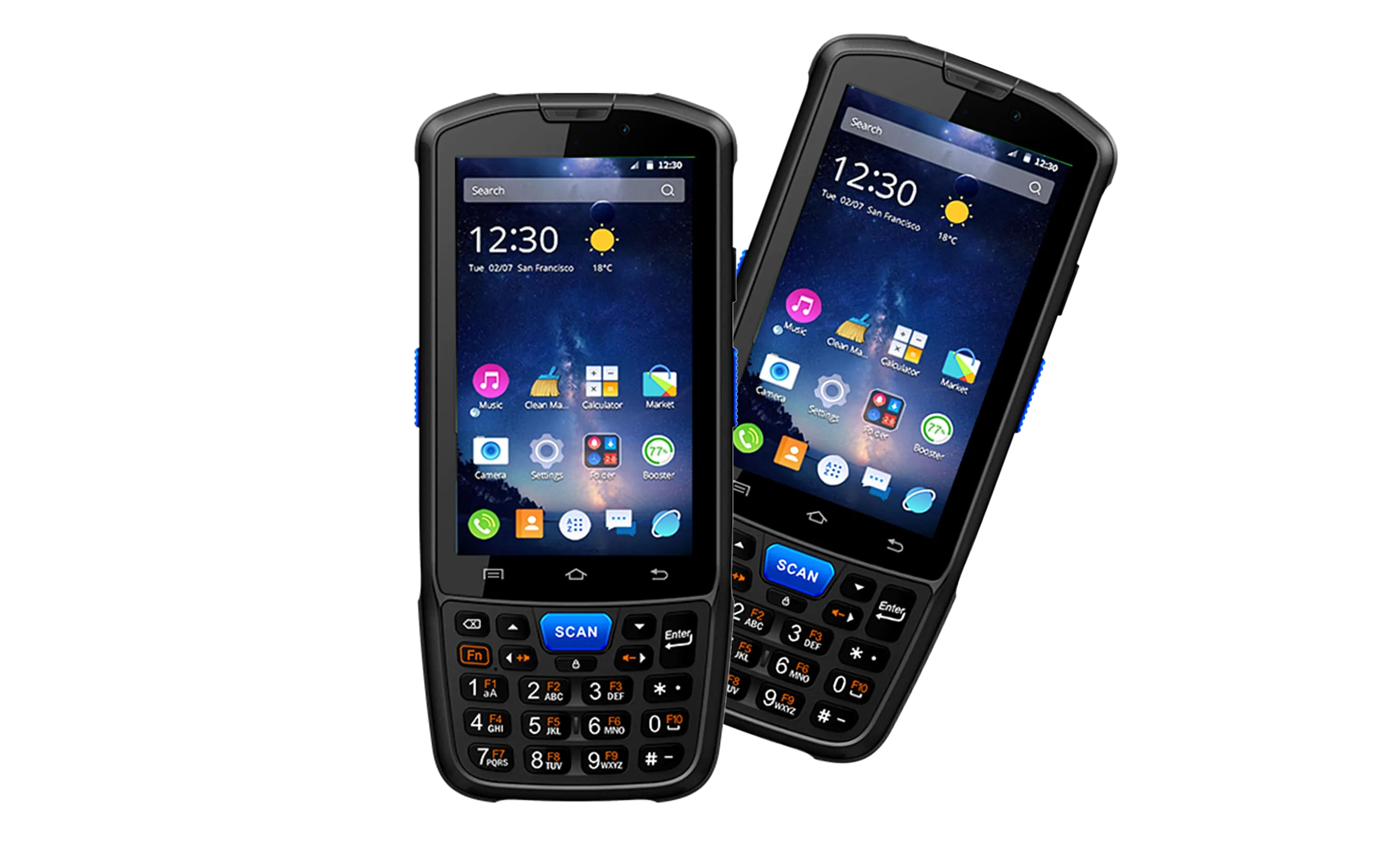
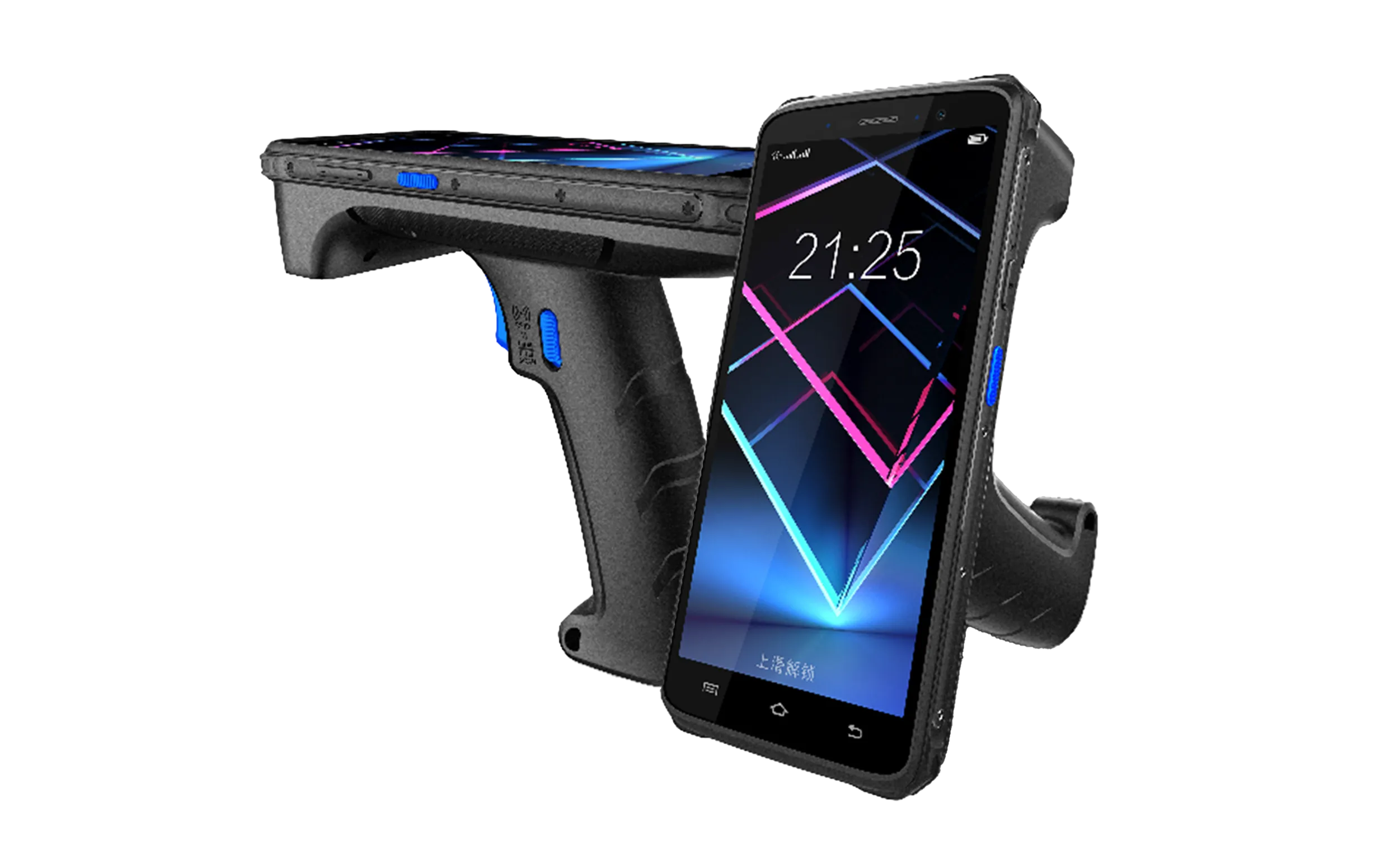
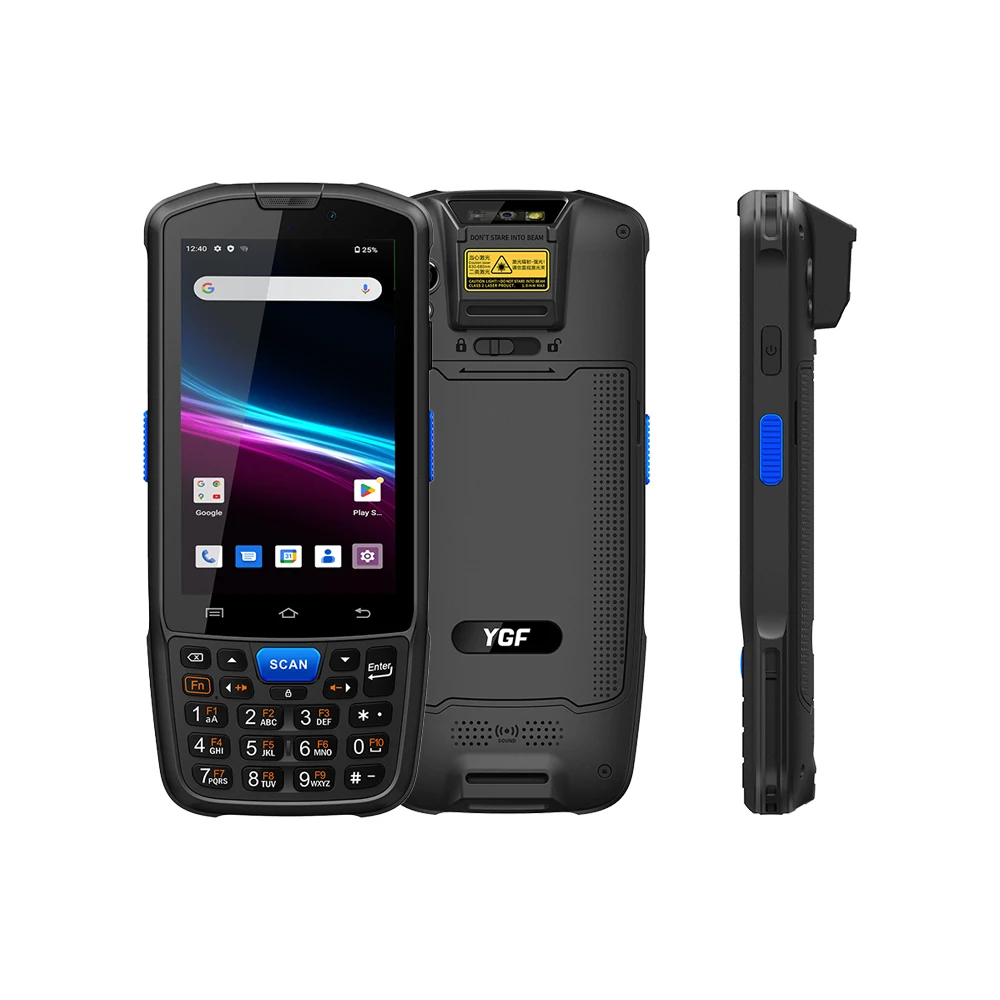
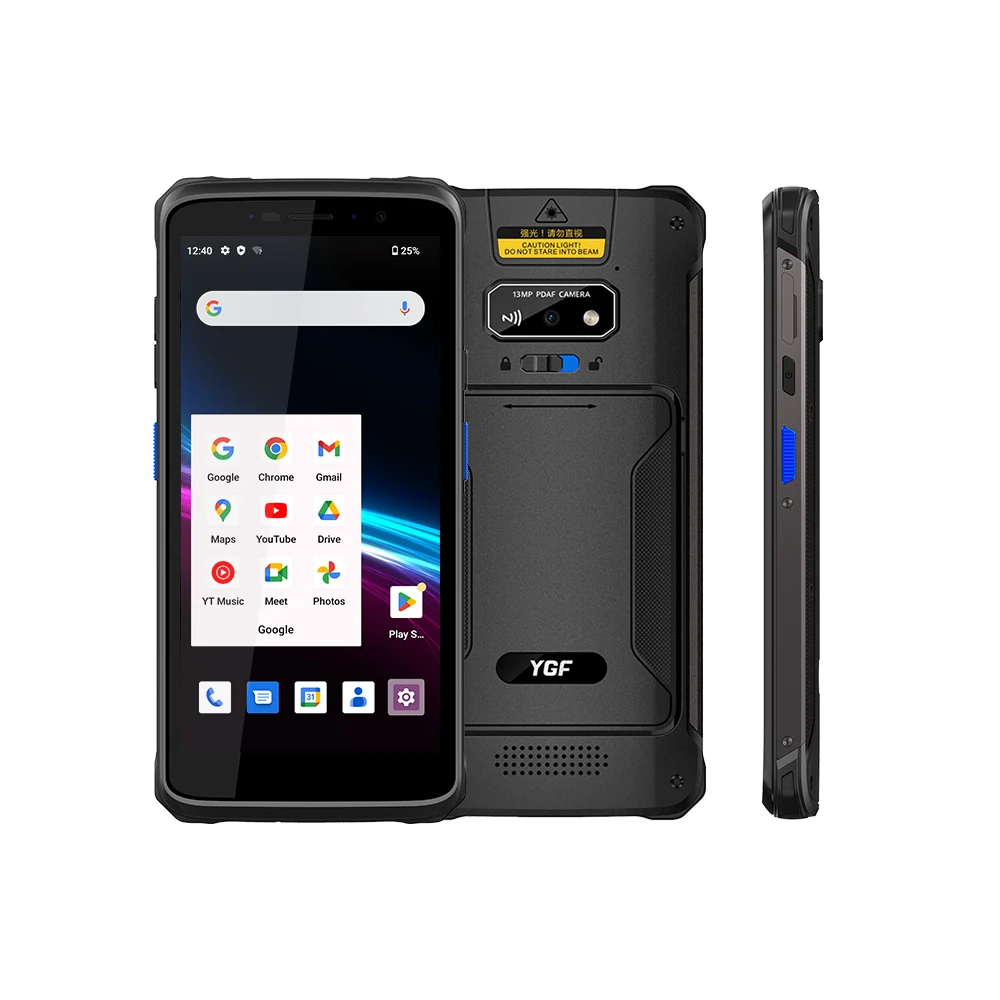
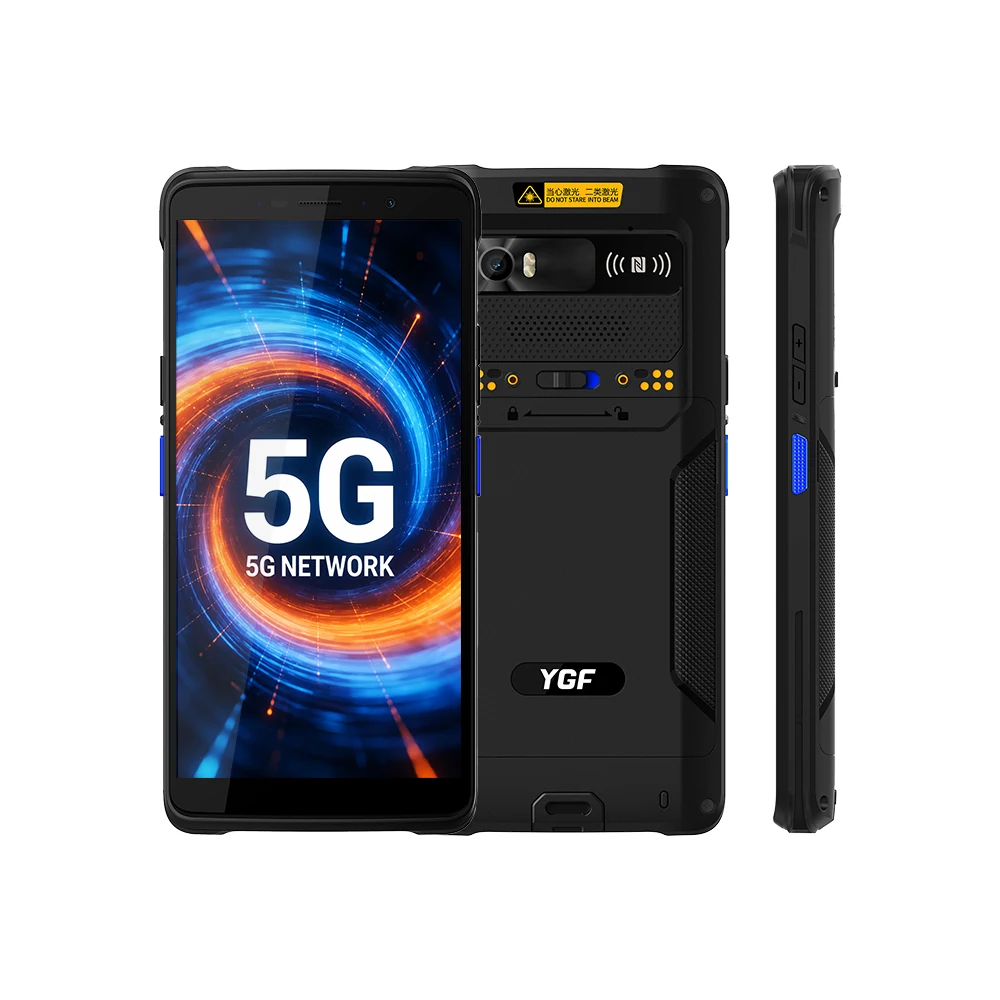
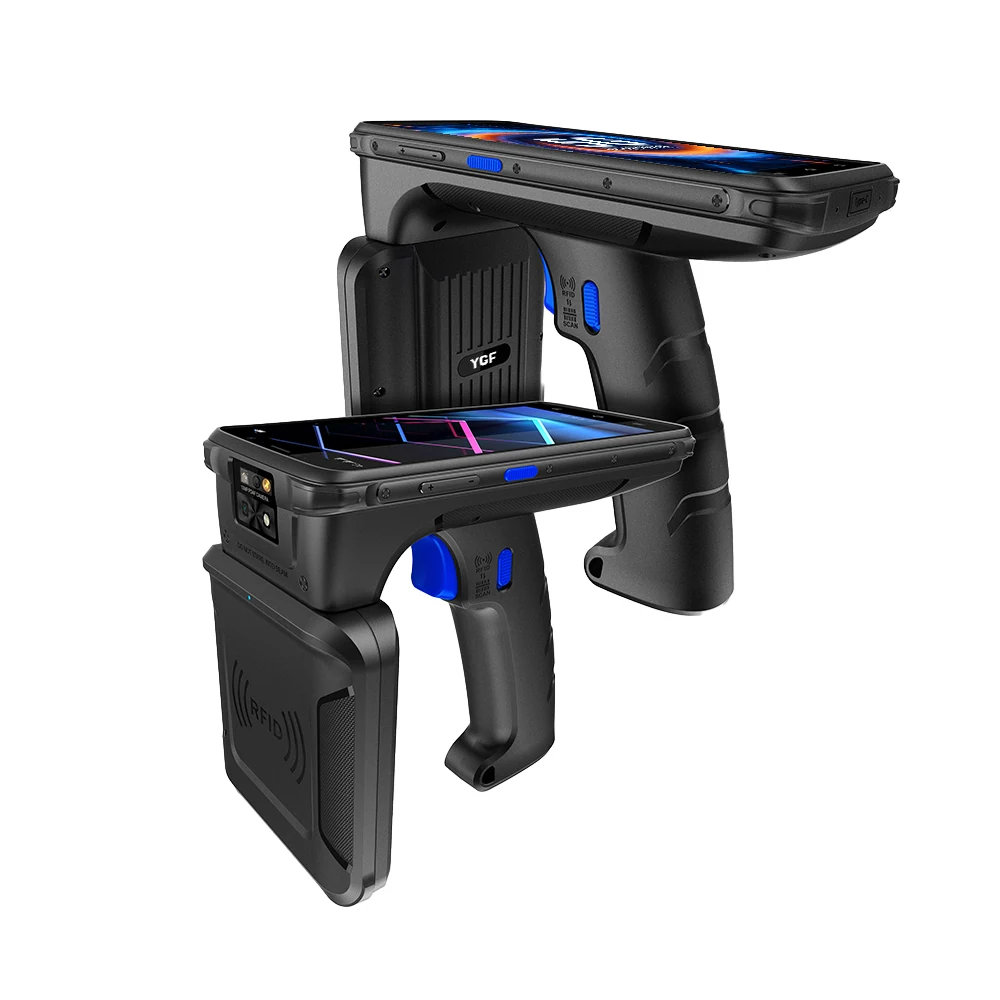



A warehouse does not lose throughput because a device breaks. It loses throughput because a device hesitates. The picker stands in the freezer aisle, presses the scan key, and waits two seconds longer than yesterday. Multiply that hesitation across a shift, across a floor of handheld computers, and it becomes a number the operations manager notices in the weekly review.
Temperature is the most common cause of that hesitation, and it is the least commonly specified attribute on a datasheet. Buyers compare drop heights and IP ratings because those numbers are dramatic and easy to photograph. Nobody photographs a handheld computer that boots slowly at minus 18 degrees.
What a temperature test actually measures
A high and low temperature test is not a single reading. It is a sequence. The mobile terminal is brought to a temperature extreme, held there long enough for the internal components to reach that temperature, and then operated. Holding is the part people underestimate. A device that has been in a cold room for five minutes has a cold housing and a warm mainboard. A device that has been there for two hours is uniformly cold, and that is when the failures appear.
The second part of the sequence is cycling. Bringing a handheld computer from a minus 20 degree freezer to a plus 30 degree loading dock produces condensation, and condensation is where capacitive touch panels and scan window optics behave differently than they did in the lab. This is the condition our cold chain customers actually operate in, and it is the condition worth testing against.
What fails first at temperature extremes
Battery capacity and discharge curve
Lithium cells lose usable capacity as temperature drops. A pack rated for a ten hour shift at room temperature may deliver six or seven hours in a freezer. This is chemistry, not a defect, and no manufacturer escapes it. What matters for selection is whether the vendor publishes the cold capacity figure or only the room temperature one. A supplier who quotes only the warm number has either not tested the cold case or has decided not to mention it.
Display response and touch accuracy
Liquid crystal response slows at low temperature, which shows up as ghosting on a scrolling list. Touch controllers can lose edge sensitivity after the digitizer stack contracts. Neither failure disables the device. Both make the operator slower, and an operator wearing gloves has less margin for that slowness than anyone.
Scan engine decode rate
Imager based scan engines generally tolerate cold better than the laser units they replaced, but the window material and the illumination LED driver are both temperature sensitive. A handheld rfid scanner and an android barcode scanner on the same platform can diverge here, which is why the decode rate has to be measured after the temperature soak rather than assumed from the module datasheet.
Radio and connectivity stability
Thermal expansion affects antenna tuning and connector seating. In practice this shows up as intermittent Wi-Fi reconnection or a 5G module that drops to a lower band. The operator sees it as a device that keeps losing the WMS session, which support tickets describe as a software problem.
| Criterion | Datasheet only | Verified in test |
|---|---|---|
| Operating range | Room temperature only, typically 0 to 40 degrees | Full operating range at both extremes, tested not assumed |
| Battery capacity | Rated at room temperature | Cold capacity published separately from warm capacity |
| Display and touch | Verified at room temperature | Response and edge sensitivity verified after thermal soak |
| Scan decode rate | Module datasheet figure | Measured after temperature cycling on the assembled device |
| Cycling test | Static soak if tested at all | Reproduces freezer to dock transitions including condensation |
| Coverage | Batch sampling | Every production unit, with per unit result on file |
Why we test every unit instead of sampling
Statistical sampling tells you what a production batch is likely to do. It does not tell you what the specific unit in the customer’s hand will do. For a mobile computer that costs a few hundred dollars and supports a workflow worth thousands per day, the difference between batch confidence and unit confidence matters.
Testing every handheld computer also surfaces process drift early. If the chamber temperature controller drifts, or a batch of batteries arrives with a different discharge curve, a sampling plan might miss it for weeks. A 100 percent test plan catches it on the first unit.
How to specify temperature in a purchase decision
Ask three questions of any barcode scanner manufacturer or supplier during evaluation.
- What is the operating temperature range, and is it the same as the storage range? Many vendors quote storage, which is wider and irrelevant to daily use.
- Is the cold battery capacity published separately from the room temperature capacity? If not, ask for it in writing.
- Does the temperature test include a cycling element, or only a static soak? Cycling is what reproduces a real shift that moves between freezer and dock.
For teams specifying inventory barcode scanners across multiple sites, the third question usually separates candidates fastest. A vendor who has run cycling tests will have a report ready. A vendor who has not will change the subject to drop ratings.
Engineering support
We publish the temperature test report for the exact mobile terminal model under evaluation, including the soak duration, the cycling profile, and the post-test functional results. Evaluation units can be arranged for a site trial on your own floor, at your own temperature extremes, which remains the only test that fully matches your operation.
Send your operating environment details to [email protected] and we will return the relevant test documentation and configuration options.